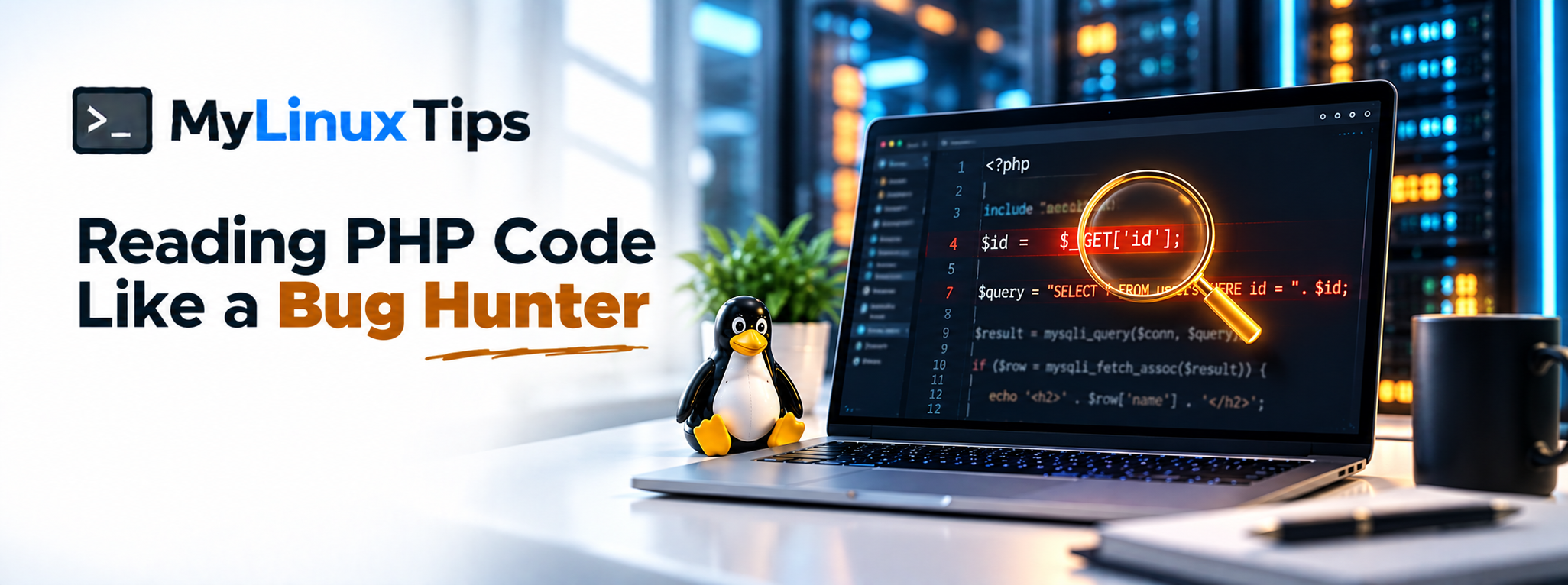
Ever opened a PHP file during an authorized test and felt your eyes slide right off it? Reading php code like a bug hunter doesn’t mean understanding every line the way the developer who wrote it does. It means knowing exactly which two or three patterns to scan for first, recognizing them the instant they show up, and knowing how often real bug bounty programs actually pay out for exactly these bugs. This post hands you that shortlist, plus ten real, publicly disclosed reports that prove it.
Quick answer: Reading php code like a bug hunter mostly comes down to tracing three danger patterns — user input reaching a SQL query, user input reaching a file-path function, and user input reaching unserialize(). These three patterns alone account for a large share of the real, publicly disclosed PHP bugs that bug bounty programs pay out for, from WordPress plugin CVEs to live HackerOne reports. Spot them on sight, and you can review unfamiliar PHP source faster than most people with years more experience.
$4,998 was paid for a single
unserialize()bug in a WordPress plugin. That’s what happens when one line of untrusted input reaches the wrong function. See the full list of real payouts below.
The Three Danger Patterns at a Glance
| Pattern | Dangerous Function | One-Line Tell |
|---|---|---|
| SQL Injection | mysqli_query() | User input concatenated directly into a query string. |
| Local File Inclusion | include() / require() | A variable, not a hardcoded string, chooses which file loads. |
| Object Injection | unserialize() | Untrusted input (cookies, GET, POST) passed straight into unserialize(). |
Why PHP Is Worth Learning to Read
PHP still powers a huge share of the web, WordPress included. That’s not a coincidence for this pillar. You don’t need to write production PHP applications to hunt bugs in them — you just need enough reading fluency to notice where a developer trusted something they shouldn’t have.
That’s the entire skill. Not writing clean PHP. Not architecture. Just noticing untrusted input the moment it touches something dangerous.
Quick tip
Open any WordPress plugin’s source files as practice material. Thousands are public, free, and written by developers of wildly different skill levels — perfect, varied practice for reading php code like a bug hunter without touching a live site.
Pattern 1 — SQL Injection: What It Looks Like When User Input Hits a Query
This is the one everybody’s heard of, so it’s the easiest to recognize once you know the shape:
$id = $_GET['id'];
$result = mysqli_query($conn, "SELECT * FROM users WHERE id = $id");
Notice what’s missing. The value from $_GET['id'] goes directly into the query string, with nothing checking or escaping it first. On a real target, that’s SQL injection. Here, you’re just training your eyes to spot the shape: input in, no filter, straight into a query.
Quick trick
Search a codebase for $_GET, $_POST, or $_REQUEST first, then work outward from each hit. It’s faster than reading top to bottom, because those three variables mark every place untrusted data enters the application.
Pattern 2 — Local File Inclusion: What Happens When Input Chooses the File
Local file inclusion hides behind a single, innocent-looking line:
$page = $_GET['page'];
include($page . '.php');
This looks like a simple way to load different pages dynamically. However, if nothing restricts what $page can be, a visitor can potentially point it somewhere the developer never intended — including files well outside the pages folder.
Quick tip
Any include(), require(), include_once(), or require_once() built from a variable instead of a hardcoded string deserves a second look. That’s the entire pattern for local file inclusion in one sentence.
Pattern 3 — PHP Object Injection: Why unserialize() Is So Dangerous
This pattern is subtler, so it trips up more experienced readers than the first two:
$data = unserialize($_COOKIE['prefs']);unserialize() turns a stored string back into a real PHP object. That sounds harmless, until you remember cookies are something a visitor fully controls. As a result, feeding unserialize() untrusted input can let an attacker construct objects the application never expected to see, sometimes triggering unexpected code execution along the way.
Quick trick
Treat any call to unserialize() on data from $_COOKIE, $_GET, $_POST, or request headers as an automatic flag. Safer alternatives like json_decode() exist precisely because this function is so easy to misuse.
Train Yourself to Trace Backward, Not Forward
Here’s the habit that makes all three patterns click: don’t read PHP top to bottom like a story. Instead, find where dangerous functions live (query, include, unserialize, eval) and trace backward to see what feeds them. Nine times out of ten, that’s faster than reading every line in order, and it’s exactly how real reviewers work.
5 Tips for Reading PHP Code Like a Bug Hunter, Faster
Spotting the three patterns above is the foundation, but speed is what turns reading php code like a bug hunter into a repeatable habit instead of a one-off exercise. Here are five techniques that compress hours of manual reading into minutes.
- Diff the patch before you read the advisory. Download both the vulnerable and the patched version of a WordPress plugin from the WordPress.org SVN repository, then run a plain diff between them. The lines that changed are almost always the exact fix for the exact bug, so you can often spot the vulnerability yourself before reading a single word of the public write-up.
- Grep first, read second. Before opening a single file top to bottom, run a project-wide search for
$_GET,$_POST,$_REQUEST,$_COOKIE,include,require,unserialize, andeval. That one search usually narrows a 10,000-line plugin down to a dozen lines actually worth your attention. - Graduate to Semgrep once grep stops scaling. Plain grep matches comments and unrelated code just as happily as real bugs, so once a codebase gets large, a pattern-matching tool like Semgrep filters out far more noise while still searching for the same dangerous shapes.
- Use disclosed CVEs as a training feed, not just reading material. Pick a recent WordPress plugin CVE from a vulnerability database, download the vulnerable version, and try to find the bug yourself before reading the advisory’s technical details. As a result, every new disclosure becomes a free, realistic practice round instead of just news.
- Keep a running pattern log. A simple spreadsheet (function name, vulnerable shape, the fix that shipped) builds pattern recognition far faster than reading advisories passively, because writing each one down forces you to actually understand why it was dangerous in the first place.
Quick tip
Start your pattern log with the ten reports below. They already hand you the function, the shape, and the fix for free.
10 Real Bug Bounty Reports Bug Hunters Actually Got Paid For
Theory is useful, but seeing these exact patterns in real, disclosed reports is what makes them stick. Here are ten publicly documented cases, spanning HackerOne-disclosed reports and CVE-tracked WordPress plugin disclosures, covering all three patterns from this post.
| Target | Pattern | What Happened |
|---|---|---|
| U.S. Department of Defense | SQL Injection | Blind SQLi via the User-Agent header, a reminder that headers count as input too. |
| ImpressCMS | SQL Injection | Unauthenticated SQLi chained all the way to RCE, exposing emails and password hashes. |
| Automattic | SQL Injection | UNION-based SQLi via a crafted link extracted the database version. |
| WordPress Core (CVE-2026-87902) | LFI | Template-resolution flaw allowed arbitrary file inclusion, escalating to RCE. CVSS 9.2. |
| Jupiter X Core (CVE-2025-0366) | LFI | A flaw in the plugin’s SVG-handling function let a Contributor-level account upload a malicious file and get it executed, affecting 90,000+ sites. $782 bounty. |
| WP Site Editor (CVE-2018-7422) | LFI | Classic ajax_path parameter passed straight into a file-loading function. |
| GiveWP (CVE-2024-5932) | Object Injection | Malicious serialized data built a “POP chain” to remote code execution. $4,998 bounty. |
| Gravity Forms (CVE-2023-28782) | Object Injection | Missing checks on maybe_unserialize() allowed unauthenticated input. |
| Quiz and Survey Master (CVE-2025-49401) | Object Injection | Unauthenticated object injection affecting tens of thousands of sites. |
| wpForo (CVE-2026-0910) | Object Injection | Even a low-privileged Subscriber account reached unserialize(), leading to full site takeover. |
Notice the pattern across all ten. Not one of them needed a zero-day or an exotic technique. Every single one is the same three shapes from earlier in this post, sitting in real, shipped code.
Frequently Asked Questions
Do I need to know how to write PHP to read it for bugs?
No. Reading fluency — recognizing dangerous patterns — matters far more than the ability to build a PHP application from scratch.
What’s the fastest way to practice reading php code like a bug hunter?
Pull public WordPress plugin source code and search it for $_GET, $_POST, include, and unserialize, then trace each one backward.
Is SQL injection still common in real PHP applications?
Yes. Despite being well known for decades, unsanitized input reaching a query remains one of the most frequently reported web vulnerabilities.
What’s a safer alternative to unserialize()?
json_decode() handles simple data structures without reviving full PHP objects, which removes most of the risk.
Are bug bounty reports a good way to learn vulnerability patterns?
Yes. Disclosed reports show the exact vulnerable code shape, the real-world impact, and often the fix, which makes them one of the fastest, most concrete ways to learn patterns beyond what any single blog post can cover.
What’s the single fastest way to get better at reading php code like a bug hunter?
Diffing a plugin’s vulnerable and patched versions, then trying to re-find the bug yourself before reading the advisory, builds pattern recognition faster than passive reading alone.
From Reading PHP Code Like a Bug Hunter to Actually Finding Something
That’s the whole shortlist: queries, file paths, and unserialize. Three shapes, not fifty rules, backed by ten real reports that prove bug bounty programs keep paying out for exactly these patterns. The next time you’re scrolling through unfamiliar source, resist the urge to read every line evenly. Hunt for those three patterns first, trace backward from each one, and you’ll already be reading like someone who’s done this for years.
If you want structured help turning this exact habit into your first real submission instead of figuring it out alone, that’s exactly the kind of bug bounty mentoring mylinuxtips.com is building toward. Reach out through the site’s contact page if a second pair of eyes on your first few reports would help.
1 thought on “Reading PHP Code Like a Bug Hunter: Spotting SQLi, LFI, and Unserialize Bugs”