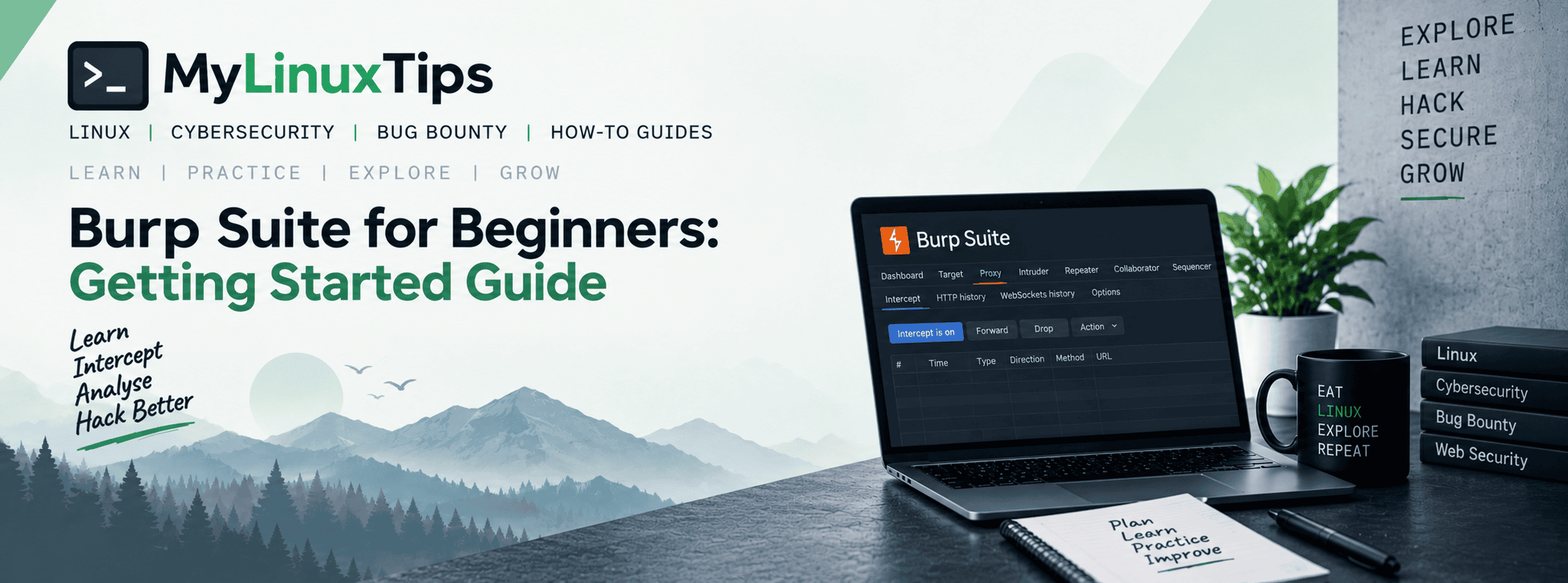
If you’ve searched for burp suite for beginners and come away more confused, you’re not alone. Search “bug bounty tools” anywhere online and one name shows up constantly: Burp Suite. People mention it so often, so casually, that beginners quietly assume everyone else already knows how to use it, and feel behind for not already knowing themselves.
Quick answer: Burp Suite is a proxy tool that sits between your browser and a website, letting you see and edit every request before it reaches the server. Beginners should start with the free Community Edition, set their browser to Burp’s proxy, and use the Proxy and Repeater tabs first.
Here’s the truth about Burp Suite for beginners: almost nobody understood it the first time they opened it either. It just looks that way from the outside. Once you know what it’s actually for, the interface stops being intimidating and starts making sense fast.
Burp Suite for beginners: what it actually does
Strip away the interface, and Burp Suite does one core thing: it sits between your browser and the website you’re testing, and lets you see (and change) every message passing between them before it arrives.
Normally, your browser sends a request and a server replies, all invisibly, in milliseconds. Burp inserts itself into that conversation and pauses it, showing you exactly what your browser is sending and giving you the chance to edit it before it goes anywhere. That’s the entire concept. Everything else in the interface exists to support that one idea.
Quick tip
Start with the free Community Edition, not a paid tier. You won’t outgrow its limits until you’re already deep enough to know precisely what you’re missing from the paid version.
Setting it up: the part that trips people up
Burp works by intercepting traffic, which means you need to tell your browser to route its traffic through Burp first. That takes two small setup steps. Point your browser at Burp’s proxy (usually 127.0.0.1:8080), and install Burp’s certificate so it can inspect encrypted HTTPS traffic without triggering constant security warnings.
It sounds more complicated described in words than it actually is in practice — you do both steps once, then forget about them.
Quick trick
Use a dedicated browser profile just for Burp traffic, separate from your everyday browsing. It keeps your normal browsing untouched and avoids a wall of confusing warnings on sites that have nothing to do with what you’re testing.
Your first intercepted request
Once you’ve finished setup, open the Proxy tab and switch “Intercept” on. Now visit any page in your Burp-connected browser, and something changes immediately: the page just… stops loading. That’s not broken. That’s Burp holding the request, waiting for you.
Look at the Proxy tab, and there it is: the raw HTTP request your browser just tried to send, fully visible and fully editable. Change a value, click “Forward,” and watch what the server does with your modified version instead of the original.
Quick tip
Toggle Intercept off once you’re done experimenting. Left on, every single request pauses and waits for you — which gets old fast, and isn’t how you’ll actually use Burp day-to-day.
The tabs that matter most, starting out
Beyond Proxy, two tabs are worth knowing early. Target shows you a map of everything Burp has seen on a site so far (pages, requests, structure) building up automatically as you browse. Repeater lets you take one specific request, tweak it, and resend it over and over, without needing to reload the whole page each time.
Ignore the rest of the interface for now. These two, plus Proxy, cover a genuinely large share of what beginners actually do with Burp in their first weeks.
Quick trick
Right-click any request in the Proxy history and choose “Send to Repeater.” It’s the single most common workflow in Burp. Intercept something interesting once, then experiment with it freely in Repeater without re-triggering the whole page.
Frequently Asked Questions
Is Burp Suite free?
Yes, the Community Edition is free and covers most of what beginners need.
What does Burp Suite actually do?
It intercepts traffic between your browser and a website, so you can inspect and modify requests before they reach the server.
Which Burp Suite tabs should beginners learn first?
Proxy (to intercept traffic) and Repeater (to resend and tweak individual requests).
Do I need Burp Suite before learning web vulnerabilities?
No. It’s more useful once you already understand what you’re looking for, since a tool is easier to use once you know what it’s automating.
The interface stops being scary once you know its shape
That’s Burp Suite for beginners in a nutshell. It looks overwhelming because it’s dense, not because it’s actually complicated. Underneath all those tabs, it’s still just one simple idea: see the conversation, then change it. Everything else in the interface exists just to make that one thing easier, faster, and more scalable.
Give it an afternoon clicking around a lab environment, intercepting requests you have permission to test. The fear factor disappears fast. It’s exactly the tool Chapter 7 of the Bug Bounty Roadmap for Beginners points you toward once the rest of the fundamentals click. What’s left is one of the most genuinely useful tools you’ll use for the rest of your bug bounty career.