Ever typed a web address into your browser and wondered what actually happens in the half-second before the page loads? How the internet works is one of those things almost everyone uses daily and almost nobody can explain. For a bug hunter, that gap matters, because every vulnerability you’ll ever find lives somewhere inside that half-second. This post walks through it, piece by piece.
Quick answer: How the internet works, in short, is your browser looking up a domain’s address through DNS, opening a connection over TCP/IP, and then wrapping that connection in encryption through TLS before HTTPS traffic flows. Once you can picture those three layers happening in order, most networking concepts in security work start making a lot more sense.
100,000,000+ customer records were exposed in a single breach that started with one SSRF request to a cloud metadata endpoint. That’s what happens when the DNS, TCP, and TLS sequence this post explains gets abused instead of understood.
How the Internet Works, in Three Steps
| Step | What Happens | Protocol |
|---|---|---|
| 1. DNS lookup | Translates the domain name into an IP address. | DNS (port 53) |
| 2. Connection | Delivers and receives data reliably between machines. | TCP/IP |
| 3. Encryption | Locks the connection before HTTPS trusts it. | TLS |
Step 1: DNS turns a name into something a computer can use
Computers don’t actually know what “mylinuxtips.com” means. They only talk in numbers, so before anything else can happen, something needs to translate that name into an IP address, a string of numbers like 93.184.216.34. That translation job belongs to DNS, the Domain Name System.
Your computer asks a DNS server, “what’s the address for this name?” The server answers with the IP address, and only then does your browser know where to send anything. This exchange usually happens over port 53, and it’s often the very first request to go out, before the page itself ever loads.
Bottom line: no address, no request. DNS has to resolve first, every single time.
Quick tip
Run dig example.com or nslookup example.com in a terminal any time you want to see this translation happen directly. It’s the fastest way to watch DNS work instead of just reading about it.
Step 2: TCP/IP actually moves the data
Once your browser has an IP address, it needs a way to actually deliver and receive data. That’s where TCP/IP comes in: the pair of protocols that structure almost all internet traffic.
IP handles addressing and routing: getting a packet of data from one machine to another, hopping across networks along the way. TCP handles reliability: breaking data into packets, numbering them, confirming each one arrived, and re-requesting anything lost. Together, they’re the reason a webpage made of a thousand separate pieces arrives looking like one complete page instead of scrambled fragments.
Bottom line: TCP/IP is what turns a pile of packets into a page that actually makes sense.
Quick trick
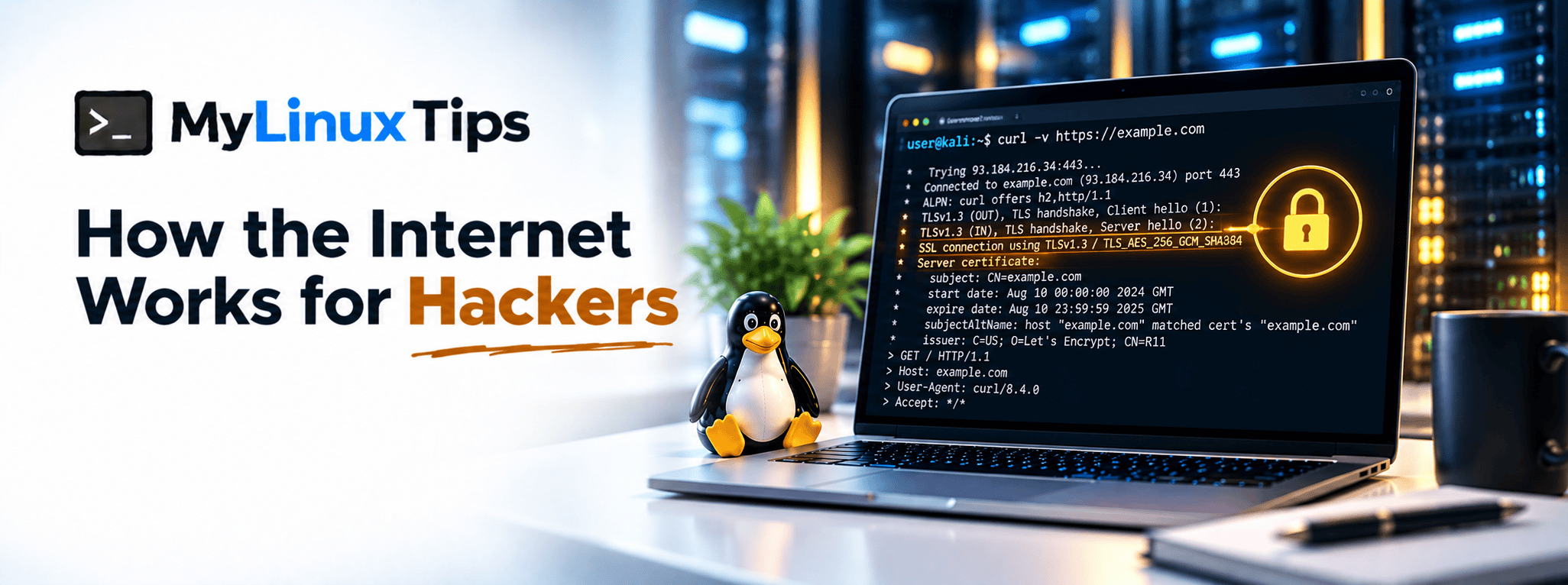
Run curl -v https://example.com and read the output top to bottom. You’ll see the connection open, the TLS handshake happen, and the request and response, the entire process this post describes, laid out line by line.
Step 3: TLS wraps the connection before HTTPS can trust it
By this point, your browser can find the server and exchange data with it. But that connection, by default, is readable by anyone sitting in the middle: a shared Wi-Fi network, a compromised router, anything in between. That’s the exact problem TLS solves.
TLS encrypts the connection before any real data flows, through a brief handshake where both sides agree on encryption keys. Once that handshake finishes, the connection becomes HTTPS instead of plain HTTP, and everything exchanged afterward is scrambled to anyone except the two ends talking to each other. That padlock icon in your browser’s address bar is just a visual shortcut for “this handshake succeeded.”
Bottom line: without this handshake, everything you send is just plaintext waiting to be read.
Quick tip
Click the padlock icon in your browser right now and look at the certificate details. Seeing who issued it and when it expires makes TLS feel concrete instead of abstract, and it’s exactly the kind of detail worth checking during a real engagement.
Why bug hunters specifically need this picture
This isn’t trivia. A surprising number of real vulnerabilities live inside the gaps between these three steps:
- Server-side request forgery (SSRF) tricks a server into making its own request somewhere it shouldn’t, abusing the exact DNS-then-TCP flow this post just walked through.
- DNS rebinding attacks exploit the moment between a DNS lookup and the connection that follows it.
- Weak or misconfigured TLS shows up constantly in security misconfiguration findings, too.
None of that clicks if DNS, TCP/IP, and TLS are just abstract buzzwords. Once you can picture the actual sequence (name, address, connection, encryption), a surprising amount of real-world vulnerability reporting starts looking a lot less mysterious.
5 Real-World Examples of These Gaps Going Wrong
These aren’t hypothetical risks. Every failure mode mentioned above has a real, disclosed incident behind it.
| Example | Failure |
|---|---|
| Capital One (2019) | SSRF against a misconfigured WAF reached the AWS metadata endpoint, exposing over 100 million customer records. |
| Snapchat | SSRF chained with DNS rebinding reached Google Cloud’s internal metadata service. |
| GitLab | DNS rebinding bypassed SSRF protection, allowing requests into GitLab’s internal network. |
| Node.js (CVE-2022-32212) | DNS rebinding against the --inspect debugger let a malicious website attach a debugging session on macOS. |
| Equifax (2017) | An expired TLS certificate silently disabled network monitoring for 19 months, delaying detection of the breach in progress. |
Notice the pattern: none of these needed an exotic zero-day. Each one abused the exact DNS, TCP/IP, or TLS sequence this post just walked through.
5 Tips for Testing These Protocols Like a Bug Hunter
- Test SSRF against the cloud metadata IP specifically.
169.254.169.254is the single highest-value SSRF target, since a successful request can return live cloud credentials, not just an internal 200 OK. - Use
openssl s_client -connect host:443to inspect a TLS handshake manually. Reading the actual certificate chain teaches you more than trusting the padlock icon ever will. - Watch for a validate-then-connect pattern. Whenever an application checks a hostname’s IP first and makes a separate connection second, the gap between those two steps is exactly where DNS rebinding lives.
- Run
dig +trace domain.comon any suspicious DNS answer. It shows every step of resolution instead of just the final result, which makes rebinding and spoofing attempts much easier to spot. - Keep a
tcpdumpor Wireshark capture running during manual testing. Watching the actual DNS, TCP, and TLS sequence happen live cements the mental model from this post far faster than reading about it.
Frequently Asked Questions
Still have questions? Here’s what comes up most when people first learn this.
What’s the difference between TCP/IP and HTTP?
TCP/IP moves raw data between machines; HTTP is the format web browsers and servers use on top of that connection to actually request and send pages.
Do I need to memorize port numbers?
No, but a handful are worth recognizing on sight: 53 for DNS, 80 for HTTP, and 443 for HTTPS cover most day-to-day situations.
Is HTTPS the same thing as TLS?
Not exactly. TLS is the encryption protocol; HTTPS is simply HTTP running on top of a TLS-encrypted connection.
Why does DNS matter for security, not just basic browsing?
Because attacks like DNS rebinding and SSRF specifically target the moment between a DNS lookup and the connection that follows it.
How the internet works: from watching the request to spotting what’s wrong
That’s how the internet works, compressed into the three layers that matter most for security work: DNS finds it, TCP/IP moves it, TLS locks it. None of this requires a networking certification to understand at a useful level. It just requires picturing the sequence once, clearly, so the next misconfigured certificate or exposed internal request actually makes sense the moment you see it.
If you’re running infrastructure and want someone to check for exactly these gaps (SSRF exposure, DNS rebinding risk, TLS misconfiguration), that’s the kind of server security audit mylinuxtips.com offers, backed by hands-on experience auditing 500+ servers. Reach out through the site’s contact page if a second pair of eyes would help.