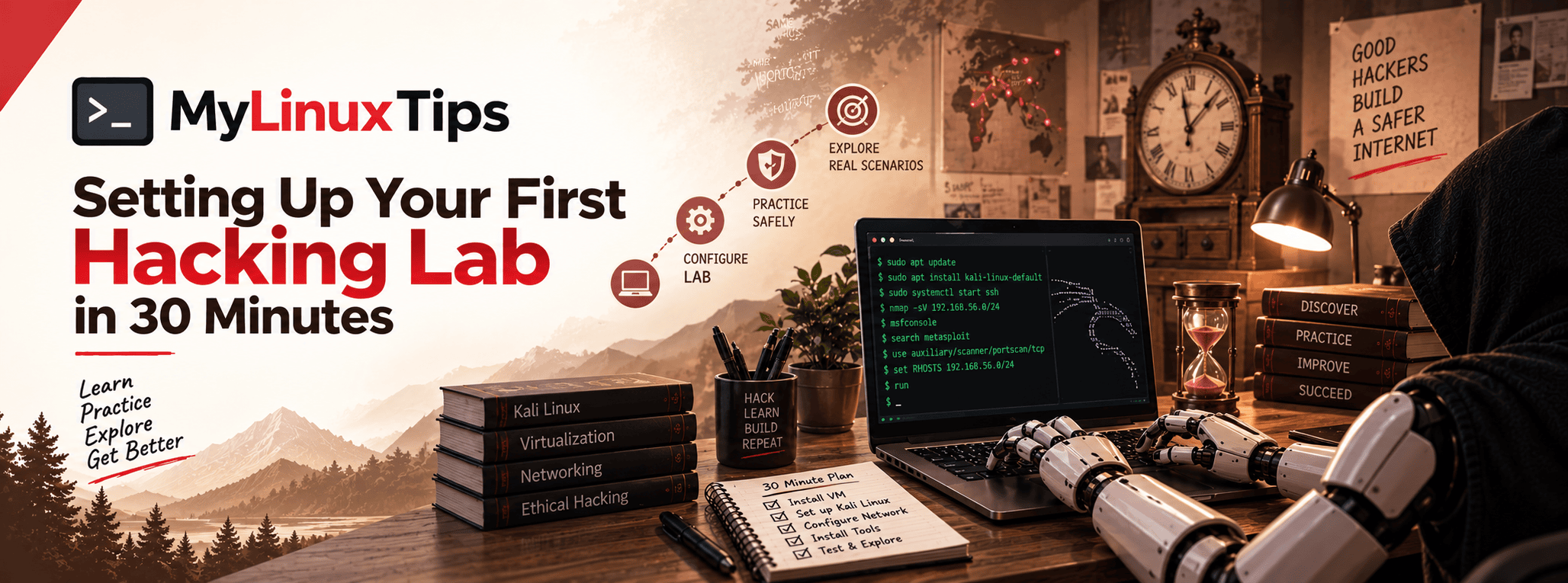
Want to know what setting up your first hacking lab actually takes, without losing a whole weekend to it? Here’s a problem nobody warns beginners about: the moment you actually want to try something you’ve read about, you hit a wall: your own laptop feels too risky to mess with, and the real internet is very much off-limits. So the reading just continues, indefinitely, without ever turning into doing. That wall has a simple fix, and it takes about thirty minutes.
Quick answer: Setting up your first hacking lab takes about 30 minutes. Install VirtualBox, then download Kali Linux and import it as a virtual machine. Finally, add a legal practice target like a deliberately vulnerable app, all of it free.
That wall has a simple name: you don’t have a lab yet. Here’s what setting up your first hacking lab actually looks like: about half an hour, for free, without needing a whole weekend.
Setting up your first hacking lab: what it actually is
Despite the dramatic name, a hacking lab is just one small, isolated computer running inside your real one, completely separate from your actual files, network, and life. Think of it as a sandbox with walls high enough that nothing you do inside it can reach outside it.
Because it’s isolated, you’re free to break things, misconfigure things, and try commands you’re not fully sure about, all without any real consequence. That freedom to fail safely is, honestly, the entire point.
Quick tip
Don’t skip the lab step and jump straight to real websites “just to look around.” Even harmless-seeming poking at a site you don’t own can cross legal lines you didn’t know existed. A lab removes that risk completely.
Step 1: Get a virtual machine app (5 minutes)
First, you’ll need something that can run a “computer inside your computer.” VirtualBox is the standard free choice, and it works the same way on Windows, macOS, and Linux. Download it, install it like any other app, and that’s step one done.
Step 2: Download a security-focused Linux distro (10–15 minutes)
Next, you need an operating system to actually run inside that virtual machine. Kali Linux is the most well-known option here. It’s a version of Linux that comes pre-loaded with security tools already installed, so you’re not spending your first week just installing software. Curious how it compares to other options? See Choosing the Ideal Operating System for Cyber Security Professionals.
The download itself is the slowest part of this whole process, purely because of file size. So while it downloads, this is a perfect moment for a coffee break.
Quick trick
Grab the pre-built VirtualBox image of Kali instead of the raw installer. It imports directly, which skips the entire manual installation process and saves you a genuinely significant chunk of time.
Step 3: Import it and boot up (5–10 minutes)
Once the download finishes, open VirtualBox, choose “Import Appliance,” and point it at the file you just downloaded. A few clicks later, you’ll have a full Linux desktop running in a window on your screen, separate from your actual computer, but reachable anytime you want it.
Boot it up, log in, and you’re already looking at your first real hacking lab.
Quick tip
Take a snapshot immediately after your first successful boot, before you change anything. Snapshots let you instantly roll back to a clean state anytime something breaks, which, especially early on, it eventually will.
Step 4: Give yourself something to actually practice on
Here’s the part beginners often miss: your lab needs a target, not just a Linux desktop. You wouldn’t practice basketball without a hoop. Beginner-friendly platforms exist specifically for this: deliberately vulnerable applications you’re explicitly allowed to attack, designed purely for learning.
Some run as downloadable virtual machines you import the same way you just imported Kali. Others run entirely in your browser, no setup required at all. For a full breakdown of where to find them, see Legal Hacking Practice Labs for Beginners. Either way, this is the missing piece that turns “I have Linux installed” into “I’m actually practicing.”
Quick trick
Start with something built for absolute beginners rather than jumping straight to advanced practice targets. A target that’s too hard this early just teaches frustration, not skill.
Frequently Asked Questions
How long does it take to set up a hacking lab?
About 30 minutes, using free tools like VirtualBox and Kali Linux.
Do I need to pay for a hacking lab?
No. VirtualBox, Kali Linux, and most beginner-friendly practice platforms are completely free.
Is Kali Linux required for a hacking lab?
No, but it’s the most common choice since it comes with security tools pre-installed, saving setup time.
Is it safe to practice hacking in a virtual machine?
Yes. A virtual machine is isolated from your real computer and network, so anything you do inside it can’t affect your actual files or system.
That’s genuinely it
That’s setting up your first hacking lab in thirty minutes, four steps, and zero dollars spent. You now have an isolated space where you’re free to experiment, break things, and learn by actually doing instead of just reading about it.
This lab is where everything else in this roadmap becomes real. Every command, every trick, every concept from here forward has somewhere to actually happen.