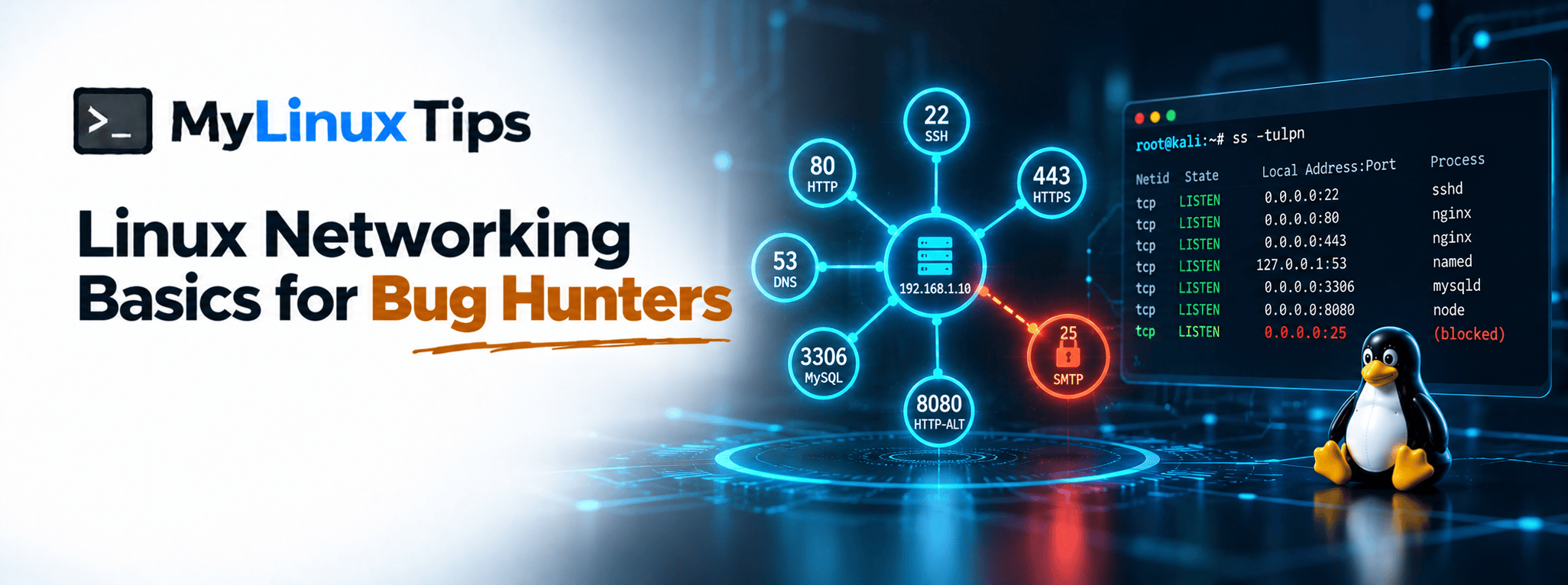
Ever run a scan against your own machine and had no idea whether the ports it found were actually supposed to be open? Linux networking basics are the missing piece between knowing commands and actually understanding what your machine is doing on a network. They matter whether you’re hardening your own box or reading someone else’s scan results. This post covers exactly enough to make both of those make sense.
Quick answer: Linux networking basics for security work boil down to three habits. Know which ports are open with a command like ss, understand what’s actually listening on each one, and know how iptables controls what traffic gets through at all. Once those three habits are in place, scan results stop feeling like a foreign language.
More than half of all ransomware attacks Coveware investigated in Q1 2021 started through a single compromised RDP port. That’s the entire stakes of this post. One overlooked open port can be the whole breach.
Linux Networking Basics, at a Glance
| Step | What It Tells You | Command |
|---|---|---|
| 1. See what’s listening | Every open port and the program behind it | ss -tulpn |
| 2. Recognize the port | What that port number usually means | N/A |
| 3. Control what gets through | Which traffic is allowed, dropped, or rejected | sudo iptables -L -n |
Seeing what’s actually listening on your machine
Start with the single most useful command in this whole post:
ss -tulpnThis lists every port currently listening for connections, which program opened it, and whether it’s TCP or UDP. netstat -tulpn does the same job on older systems where ss isn’t installed yet. Either way, you get an honest answer to “what is this machine actually exposing right now?”
Bottom line: if you don’t know what’s listening, you can’t know what’s actually at risk.
Quick tip
Run this command on your own laptop or VM before ever scanning someone else’s machine. Knowing what “normal” looks like on your own system makes it dramatically easier to spot what’s unusual on a target’s.
Ports aren’t random: most of them mean something specific
Every open port is a service waiting for a connection. A handful of port numbers show up constantly enough that recognizing them on sight saves real time. Port 22 almost always means SSH. Ports 80 and 443 mean a web server, encrypted or not. Port 3306 usually points to MySQL. None of that is a hard rule, since anything can technically run on any port. Still, it’s a strong starting assumption that speeds up reading real scan results.
Bottom line: recognizing common ports on sight turns a wall of scan output into something you can actually read.
Quick trick
Keep a short list of the ten or so ports you see most often, next to a one-line note on what each typically runs. It turns a wall of scan output into something skimmable in seconds instead of minutes.
iptables: the traffic cop deciding what gets through
Having a port open is only half the story. iptables is what actually decides whether traffic reaching that port gets allowed through, dropped, or rejected outright.
sudo iptables -L -nThat command lists the current rules, which is usually the very first thing worth checking on an unfamiliar or newly hardened machine. A clean, intentional rule set separates a hardened box from one that just happens to work. It allows only what’s genuinely needed and blocks everything else by default.
Bottom line: an open port only matters if iptables lets traffic actually reach it.
Quick tip
Before changing any iptables rule on a machine you actually rely on, open a second terminal session first. A bad rule can lock out your own SSH connection in seconds, and a second open session is your safety net if that happens.
Hardening your own Kali or Parrot box
This isn’t just scanning theory. This pillar specifically calls out setting up and hardening your own Kali or Parrot install as a credibility marker, not optional homework. Run ss -tulpn on it. Check what’s listening that doesn’t need to be. Tighten the iptables rules so only what you actually use stays reachable. Doing this once, deliberately, teaches you more about Linux networking basics than reading about them ever will.
Why Open Ports Are Worth Taking Seriously
None of this is academic. A huge share of real-world breaches and botnets trace back to the exact same root cause: somebody left a port open, unfiltered, or unauthenticated that should have been locked down. Attackers don’t need a clever exploit when a database, a cache, or a remote session is just sitting there, reachable by anyone who scans for it.
5 Real-World Examples of Open Ports Going Wrong
These aren’t hypothetical risks. Every example below traces back to a port that was open, reachable, and never should have been.
| Example | What Happened |
|---|---|
| GitHub (2018) | Attackers abused exposed Memcached servers on port 11211 to launch a record 1.35 Tbps DDoS attack. |
| MongoDB ransom wave (2017) | Attackers wiped and held for ransom ~28,000+ MongoDB databases left open on port 27017 with no authentication. |
| Redis / CVE-2022-0543 | A CVSS 10.0 Lua sandbox escape let attackers remotely compromise exposed Redis servers on port 6379 and deploy cryptomining malware. |
| Exposed Docker APIs | Attackers actively scan for unauthenticated Docker daemons left open on port 2375 and hijack them for cryptojacking and DDoS botnets. |
| RDP compromise (Q1 2021) | Compromised RDP on port 3389 was the single most common ransomware attack vector, behind more than half of all incidents investigated. |
Notice the pattern: not one of these needed a zero-day. Every single one is the exact gap this post just walked through: a port that was open, reachable, and never should have been.
5 Tips for Auditing Ports and iptables Like a Bug Hunter
Ready to put this into practice? Start here.
- Diff your open-port list over time. Save the output of
ss -tulpnto a dated file weekly. A port that wasn’t there last week but is now is the fastest way to catch an unexpected service before it becomes a problem. - Treat “0.0.0.0” differently from “127.0.0.1” in the Local Address column. A service bound to 0.0.0.0 is reachable from outside the machine; one bound to 127.0.0.1 only talks to itself. That single difference is often the whole vulnerability.
- Default-deny before you default-allow. A solid
iptablespolicy starts withiptables -P INPUT DROP, then opens only the specific ports actually needed, not the other way around. - Check for stale rules, not just missing ones. An old
iptablesrule left over from a decommissioned service is just as risky as a port nobody remembered to close. - Scan your own box the way you’d scan a target. Running
nmaporssagainst your own public IP, not just localhost, shows you exactly what an attacker actually sees, which is sometimes different from what you’d expect.
Frequently Asked Questions
Still have questions? Here’s what comes up most when people first learn this.
What’s the difference between ss and netstat?
They report largely the same information; ss is the newer, faster tool and is preferred on modern Linux systems, while netstat still works and remains common on older ones.
Do I need to memorize all iptables syntax?
No. Knowing how to list current rules and understand a basic allow/drop rule covers most day-to-day needs; deeper syntax can wait until you actually need it.
Why does a bug hunter need Linux networking basics specifically?
Because reading scan results, understanding what a target exposes, and hardening your own practice environment all depend on the same small set of concepts.
What port should I check first on an unfamiliar scan result?
There’s no single right answer, but open web ports (80, 443) and SSH (22) are usually the fastest to orient yourself around first.
Linux Networking Basics: From Listening Ports to Your First Recon Pipeline
That’s Linux networking basics in the terms that actually matter day to day: see what’s listening, recognize what the common ports usually mean, and understand what’s deciding what gets through. With that foundation in place, the next logical step is pointing those same instincts at someone else’s infrastructure, starting with subdomain enumeration, which is exactly where this series goes next.
Finding out the hard way what’s exposed on your own server is a rough way to learn. A server security consultation is exactly what mylinuxtips.com offers instead, backed by hands-on experience auditing 500+ servers. Reach out through the site’s contact page if a second pair of eyes would help.